Creators ask this question constantly, usually right before a shoot, when they don't have time to make the wrong choice. And the confusion is understandable — both formats exist to plan your visuals, and tutorials about short-form production often use the terms interchangeably. They're not the same thing, and using the wrong one wastes real time.
Here's the honest version: most short-form creators never need a storyboard. What they actually need — but often produce too late, too vague, or not at all — is a shot list. That's not an argument against storyboards. It's an argument for knowing exactly what each format does before you commit to one.
What a shot list actually is
A shot list is a structured, text-based plan of every shot you intend to film. Each row defines the shot type (wide, medium close-up, close-up, over-the-shoulder, etc.), the subject, the action, the approximate duration, and any relevant technical notes (lens, movement, lighting condition). It lives in a table or a list. There's no visual representation of the frame — just the parameters.
The shot list answers the question: what am I pointing a camera at, and for how long? It's a production logistics document. A well-written shot list means you can walk onto a location, open your phone, and know exactly what you need to capture before you need to capture it. It prevents the common outcome of getting home with beautiful footage that doesn't edit together because you forgot to capture the establishing shot or the reaction cutaway.
For a 45-second product review video, a shot list might look like this:
- Shot 1 — HOOK (0–3s): CU of product label, hands entering frame. Handheld, slight movement.
- Shot 2 — WIDE ESTABLISHING (3–8s): Creator at desk, natural window light. Introduce context.
- Shot 3 — MCU ON-CAMERA (8–22s): Creator to lens, talking through key points. Static.
- Shot 4 — B-ROLL PRODUCT (22–32s): Product being used. Tight angles, 3 different setups.
- Shot 5 — CLOSE (32–45s): Back to MCU, CTA to camera. Static.
Five rows. Clear enough to shoot in sequence. No artistic interpretation required — just execution.
What a storyboard is and isn't
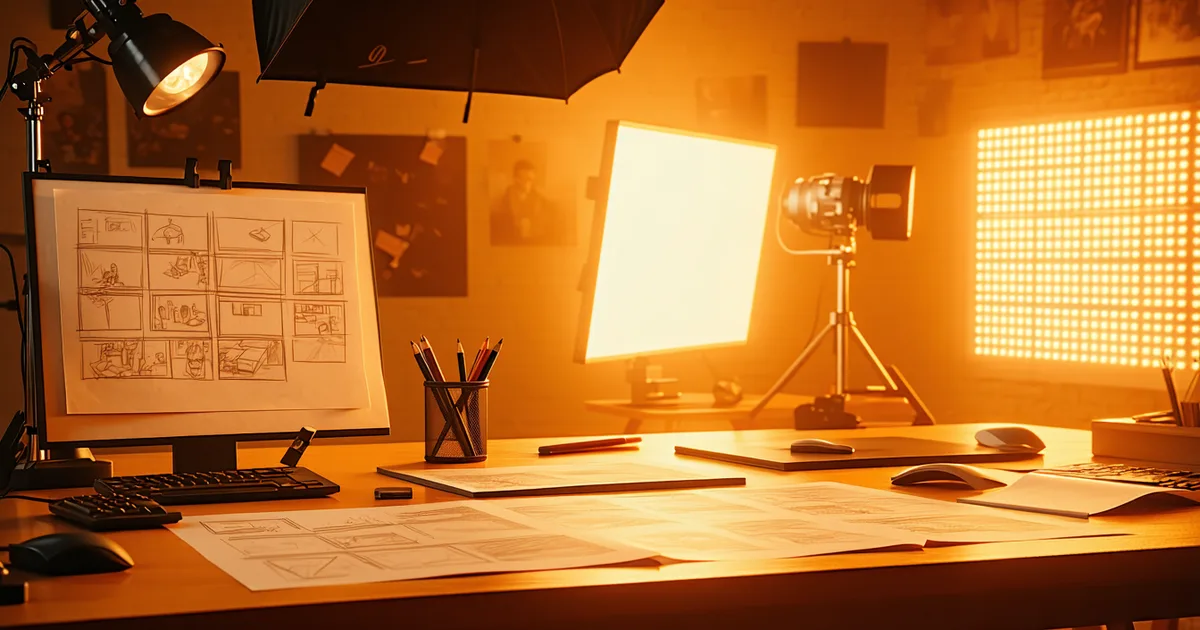
A storyboard is a visual document: a sequence of panels, each showing a drawn (or illustrated) representation of what will be in the frame. Traditionally associated with animation, film production, and ad agency pre-production, storyboards communicate framing, composition, character blocking, and camera movement through images rather than text. Each panel corresponds to a shot or a scene transition, often with a brief written note below.
The storyboard answers a different question from the shot list: what will this frame look like, and how do the frames relate visually to each other? It's a communication and visualization document. It's useful when you need to align multiple stakeholders on a visual direction before committing to production — a creative director, a brand client, a director of photography. It's also useful when you're directing talent who needs to understand their marks and movement in relation to camera.
Storyboards are expensive to produce relative to shot lists. Even rough thumbnail storyboards take time to draw or lay out. Professional storyboard artists in the commercial ad world bill per panel. For short-form social content produced at speed and volume, that cost — in time, money, or both — rarely makes sense.
The decision rule: who else needs to understand this before you shoot?
The simplest framework for deciding which format you need is to ask who, besides you, needs to understand the visual plan before the camera rolls.
If the answer is "nobody" or "just my editor afterward" — a shot list is almost certainly sufficient. Solo creators, small creator teams, DTC brands shooting product content with an in-house creator: these are shot-list scenarios. The creator who writes the script usually also directs the shoot. The shot list is for their own use.
If the answer involves a client who must approve the creative direction, a DP who hasn't been briefed, or a narrative sequence where spatial continuity between panels actually matters — a storyboard starts earning its overhead. Think: a brand shooting a scripted 60-second ad for paid social, a fashion creator working with a photographer on a more cinematic Reels format, or any multi-person shoot where different crew members need to execute their part without a real-time creative director on set.
This is where many solo creators go wrong in the opposite direction: they invest time sketching storyboards for content they're shooting alone on a phone, with no external stakeholders and no complex blocking. That time spent storyboarding is time not spent refining the script or preparing the environment for the shoot. For that creator, in that workflow, the storyboard had no leverage.
When a rough visual reference works better than either
A third option worth naming: the reference frame or mood board. Many experienced creators and social video directors plan visuals by pulling 5-10 reference images or screenshots from videos that have the framing, lighting, or feel they're targeting. This isn't a storyboard — it doesn't sequence your specific shots — but it gives anyone on the shoot a shared visual language much faster than either a text list or from-scratch drawings. Reference boards are particularly useful for aesthetic-forward content (fashion, beauty, food) where "the vibe" is harder to convey in shot-list language and the creator isn't a skilled illustrator.
The short-form pacing wrinkle
One place where storyboards become useful for short-form content that shot lists don't typically address: transition-heavy edit styles. Certain short-form formats — the jump-cut montage, the wipe transition sequence, the "moving subject across changing backgrounds" style — have visual logic that depends on the relationship between frames, not just the content of individual shots. If your video format relies on precisely matched motion transitions where the action in frame A connects physically to the action in frame B, a visual panel representation of the sequence can prevent costly reshoots. In that specific case, even a rough thumbnail storyboard helps you plan the motion matching before the camera rolls.
For standard talking-head, product demo, or storytelling short-form content, this is rarely the situation. But it's the case where storyboards are genuinely earning their cost in the short-form world, and it's worth recognizing.
The practical takeaway
We're not saying storyboards are unnecessary or that shot lists are always enough. For narrative-driven content, brand productions with external approval chains, or any shoot with spatial continuity requirements, storyboards are the right tool. The mistake is defaulting to them for every video, or assuming they're a higher-production-quality version of the shot list. They're different documents for different decision-making contexts.
For the vast majority of short-form social content — 15 to 90 seconds, solo or small-team, phone or mirrorless, one shooting session — a tight shot list produced before you show up will do more for your output quality than a storyboard produced afterward as a retrospective document. Do the planning early, do it in the format that matches your actual production context, and don't let either format become busywork that delays the shoot.